Unlock Your iPhone’s Full Potential: Practical Apple Intelligence Features for Daily Life
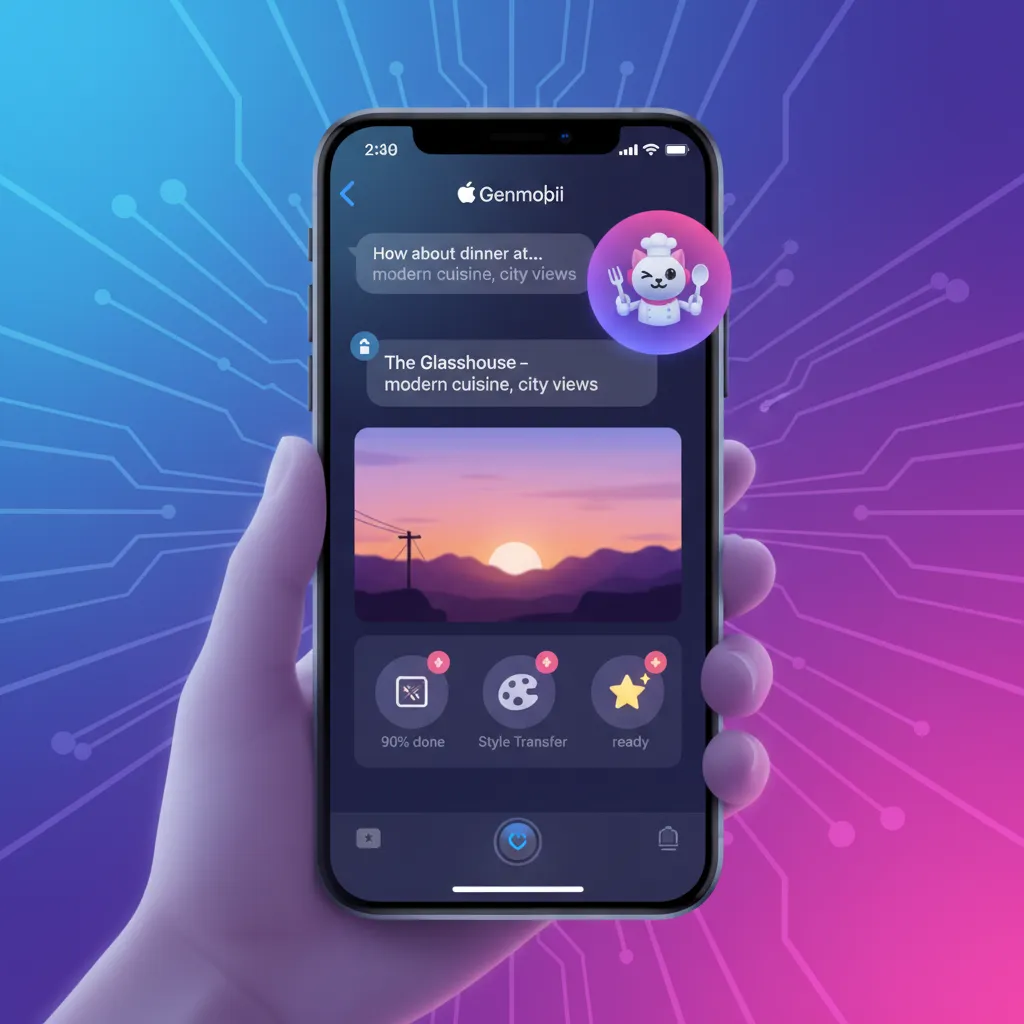
For years, your iPhone has been a powerful tool for communication, work, and entertainment. But with the introduction of iOS 18, Apple is fundamentally redefining what “smart” means for a smartphone. Enter Apple Intelligence, a deeply integrated suite of personal intelligence features poised to revolutionize your daily routines. This isn’t just another tech buzzword; it’s a practical, privacy-focused AI system designed to understand you and your context.
If you’ve been wondering “what will Apple Intelligence do for me?”, you’re in the right place. We’re moving beyond the keynote announcements to explore the tangible, practical Apple Intelligence features you’ll actually use every single day. From supercharging your productivity to unlocking new creative avenues, this guide will explain how to use Apple Intelligence to make your life easier, more efficient, and a lot more fun. Get ready to meet the most helpful iPhone yet.
What is Apple Intelligence? The Privacy-First Difference
Before we dive into the everyday applications, it’s crucial to understand what makes Apple Intelligence different from other AI models. It’s built on a foundation of three core principles: being powerful, intuitive, and, most importantly, private.
Many AI features you might be familiar with rely on sending your data to the cloud for processing. Apple takes a different approach. The vast majority of tasks are handled directly on your device, thanks to powerful on-device processing.
- On-Device AI Apple: By using the processing power of Apple’s own silicon (A17 Pro and M-series chips), the system can perform complex tasks without your personal data ever leaving your phone. This is the cornerstone of apple intelligence privacy.
- Private Cloud Compute: For more complex requests that need larger models, Apple Intelligence can tap into servers running on Apple silicon. However, your data is never stored and is used only to fulfill your request, a standard Apple promises will be independently verifiable.
- Personal Context: This is the magic ingredient. Apple Intelligence has access to the information across your apps—your emails, messages, calendar, photos, and more. This allows it to provide a level of personalized intelligence that is deeply aware of your life and your needs, something a generic chatbot simply can’t do.
This unique combination of on-device processing and secure cloud computation creates a powerful ai assistant iphone users can trust. Related: What Is Apple Intelligence? The Complete iOS 18 Guide
Supercharge Your Daily Communication: Writing Tools & Genmoji
One of the most immediate and impactful areas where you’ll feel the power of Apple Intelligence is in how you write and communicate. These intelligent tools in iOS 18 are baked directly into the system, available wherever you type.
Rewrite, Proofread, and Summarize with System-Wide Writing Tools
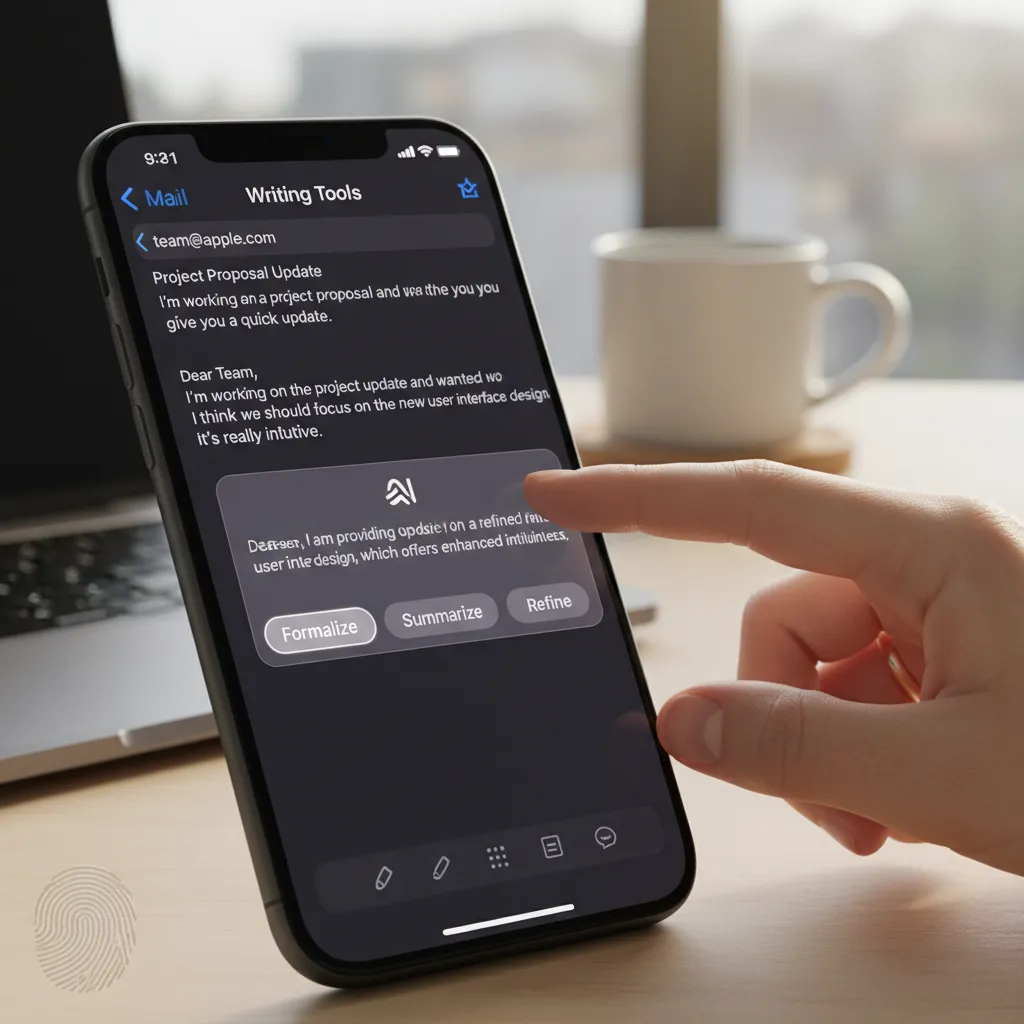
We’ve all been there: staring at a blank screen, trying to find the right words for an important email, or quickly needing to grasp the key points of a long article. The new writing tools apple intelligence offers are a game-changer.
Let’s look at some practical scenarios:
- Email Drafting: You need to send a formal follow-up after a job interview. You can jot down the key points in a few rough sentences. Then, select the text, tap the Apple Intelligence icon, and choose “Rewrite.” You can select different tones like “Professional” or “Friendly” to instantly get a perfectly polished draft. This feature for email drafting apple intelligence will save you immense time and stress.
- Social Media & Messages: Crafting the perfect witty caption or a heartfelt message is now easier. The ai in messages apple allows you to quickly adjust the tone of your text to be more playful, concise, or even poetic.
- Proofreading Power: Beyond simple spell-check, the new Proofread tool checks for grammar, word choice, and sentence structure, offering detailed suggestions to improve your writing. It’s like having a personal editor in your pocket.
- Information Overload, Solved: When a colleague sends you a ten-page document, you can use the “Summarize” feature to get the key takeaways in seconds, either as a short paragraph, bullet points, or a table.
These tools aren’t just for professional use; they are incredibly useful for students proofreading essays and for anyone who wants to communicate more effectively.
Express Yourself Perfectly with Genmoji
Emojis are great, but they’re generic. Genmoji on iPhone takes personal expression to a whole new level. This is a perfect example of fun yet practical apple intelligence.

Simply type a description of what you want, and Apple Intelligence will create a unique Genmoji on the fly.
- Inside Jokes: “T-rex skateboarding while wearing a party hat.”
- Specific Reactions: “A happy avocado reading a book.”
- Friends and Family: You can even create Genmoji based on people in your photos, creating a fun, personalized sticker of your friend to use in your chats.
Genmoji is a delightful feature that showcases the generative ai iphone capabilities in a way that feels personal and integrated.
Reclaim Your Focus: A Revolution in Productivity
The constant barrage of notifications and the mental load of managing daily tasks can be overwhelming. Apple intelligence productivity features are designed to cut through the noise and help you focus on what truly matters.
Priority Notifications & Smart Summaries
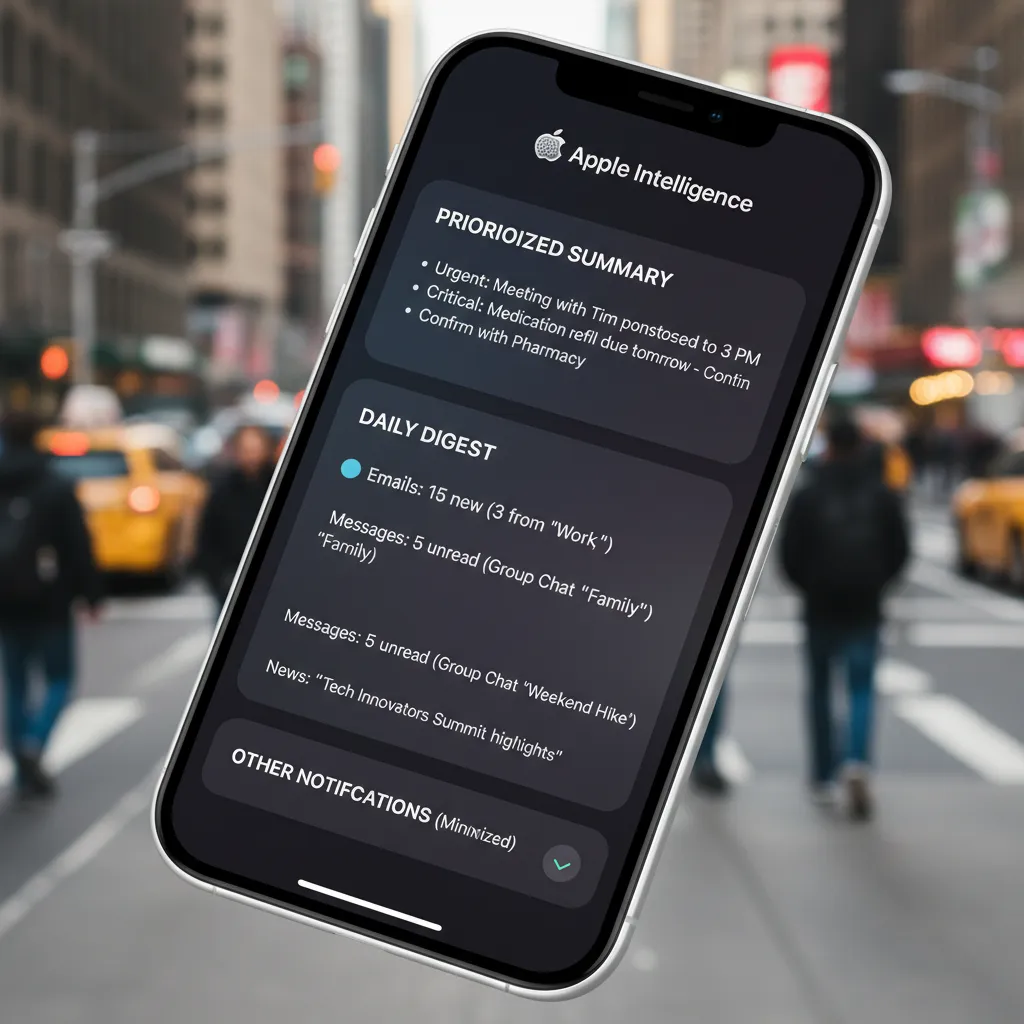
Is your lock screen a chaotic stream of alerts? The new notification summaries ai feature is your solution. Apple Intelligence analyzes your notifications on-device, identifies the most urgent ones (like a text from your boss or a flight delay alert), and displays them at the top.
Less important notifications, like app promotions or social media updates, are intelligently summarized into a neat digest you can scan when you have a free moment. This feature alone can drastically reduce distractions throughout your day.
A Truly Reimagined Siri
For years, Siri has been a useful tool for setting timers and checking the weather. Now, it’s becoming the powerful, context-aware ai assistant iphone users have always wanted. The Siri reimagined experience is one of the best apple intelligence features.

Here are the key siri intelligence improvements:
- On-Screen Awareness: This is a massive leap. You can now ask Siri questions related to what’s on your screen.
- Example: A friend texts you their new address. You can say, “Siri, add this address to their contact card,” and it will be done instantly.
- Example: You’re looking at a photo. You can ask, “Siri, edit this photo to make the colors pop,” and it will open the editing tools for you.
- Natural Conversation: Siri understands you better, even if you stumble over your words. You can speak more naturally, and it maintains context from one request to the next.
- App Actions: Siri can now take hundreds of actions within and across apps.
- “Pull up the photos I took at the beach last weekend with Sarah.”
- “Find the PDF my dad sent me last week and summarize it.”
- “Move this note from my ‘Ideas’ folder to my ‘Projects’ folder.”
This new voice intelligence apple brings us closer to a truly hands-free experience, where your voice becomes the ultimate shortcut for complex, multi-step tasks. Related: AI in Cybersecurity: Advanced Threat Detection and Defense
Practical Applications for Work and School
The ios 18 ai applications are not just for personal convenience; they offer powerful advantages in professional and academic settings.
Apple Intelligence for Work
In the professional world, efficiency is key. Apple intelligence for work can streamline many common tasks:
- Meeting Prep: Before a meeting, ask Siri, “Show me the files related to the ‘Q3 Project’ that Jane sent me.” It will instantly pull up relevant documents and emails.
- Email Management: Use Writing Tools to draft replies to clients, and use the Summarize feature to get the gist of long email threads before you even open them.
- Action Items: After a call, use Voice Memos to record a summary of action items. Apple Intelligence can transcribe the audio, and you can then ask it to create a to-do list from the transcript in the Reminders app.
Apple Intelligence for Students
For students, these tools can be a powerful academic partner. Apple intelligence for students can help with:
- Research: When reading a dense academic paper in Safari, use the Summarize feature to quickly understand its core arguments.
- Writing Assistance: Use the Proofread tool to check essays for grammatical errors and awkward phrasing. Use the Rewrite tool to explore different ways of phrasing a complex idea.
- Study Sessions: Use Siri to quickly set timers for study blocks, look up definitions, or pull up lecture notes from the Files app without breaking your focus. Related: The Rise of AI Tutors: Unlocking Student Potential
Unleash Your Inner Artist: Image Playground and Photo Magic
Beyond text and productivity, Apple Intelligence brings powerful generative ai iphone tools to your photos and creative projects.
Create Stunning Visuals with Image Playground
Image Playground Apple makes image creation fun and accessible for everyone. Integrated directly into apps like Messages, Notes, and Pages, it allows you to create high-quality images in seconds.
You can choose from three styles: Animation, Illustration, or Sketch. Then, just type a description.
- Personalized Birthday Cards: “A golden retriever wearing a crown in a field of flowers, illustration style.”
- Visualizing Ideas: “A futuristic city with flying cars and lush green rooftops, animation style.”
- Concept Sketches: In the Notes app, you can circle an empty area with your Apple Pencil and describe the image you want to fill it.
What makes Image Playground truly special is its on-device nature and contextual awareness. It can even incorporate people from your photo library into the creations, all while maintaining privacy.
Your Photo Library, Reimagined
The Photos app gets a major intelligence boost. The apple intelligence photo features make finding and editing your memories easier than ever.
- Natural Language Search: The search capabilities are now incredibly powerful. You can type detailed, conversational queries like:
- “Find photos of Maya wearing her blue jacket and doing a cartwheel.”
- “Show me all the pictures from our trip to the mountains last October.”
- The Clean Up Tool: This is one of the most practical photo editing ai iphone features. Did someone walk into the background of your perfect shot? Simply circle them with your finger, and the Clean Up tool will intelligently remove them, filling in the background seamlessly.
- Memory Movies: Apple Intelligence can now create more compelling Memory Movies by understanding the narrative of your photos and videos. Simply describe the story you want to tell, and it will select the best clips, arrange them, and suggest a soundtrack.
How to Use Apple Intelligence: A Quick User Guide
Ready to get started? Here’s a quick apple intelligence user guide to ensure you’re prepared when iOS 18, iPadOS 18, and macOS Sequoia are released.
- Check Your Device: Apple Intelligence requires significant processing power. It will be available on iPhone 15 Pro and iPhone 15 Pro Max (with the A17 Pro chip) and on iPads and Macs with M1 chips or later.
- Update Your Software: You will need to be running iOS 18, iPadOS 18, or macOS Sequoia. The features will initially be available in U.S. English as a beta in the fall.
- Enable the Features: While many features will be on by default, you can manage settings in the main Settings app.
- Look for the Icon: You’ll see the Apple Intelligence icon (a star-like symbol in a circle) wherever the tools are available, such as in the text editing menu.
- Talk to Siri: Simply press and hold the side button or say “Siri” to activate the new, more powerful assistant. You’ll notice a glowing light that wraps around the edge of your screen, indicating that the new Siri is active.
Related: Apple Intelligence Guide: All the New AI Features in iOS 18
Conclusion: A Smarter, More Personal iPhone Experience
Apple Intelligence is more than just a list of iphone new features ai; it’s a fundamental shift in how we will interact with our most personal devices. By prioritizing user privacy with on-device ai and building a system that understands personal context, Apple has created a suite of tools that are genuinely helpful, intuitive, and seamlessly integrated into daily life.
From conquering your inbox and taming your notifications to expressing yourself with Genmoji and rediscovering memories in your photo library, the practical applications are vast. The siri reimagined experience alone promises to redefine what we expect from a virtual assistant. This is the beginning of a new chapter for the iPhone—one where it becomes a true partner in your productivity, creativity, and communication. The future is personal, and it’s powered by Apple Intelligence.
Frequently Asked Questions (FAQs)
Q1. What is Apple Intelligence?
Apple Intelligence is a personal intelligence system integrated into iOS 18, iPadOS 18, and macOS Sequoia. It combines the power of generative models with your personal context to deliver useful, relevant, and private AI experiences directly on your Apple devices.
Q2. Which iPhones will get Apple Intelligence?
Apple Intelligence requires the advanced processing power of Apple’s latest chips. It will be available on the iPhone 15 Pro and iPhone 15 Pro Max (powered by the A17 Pro chip) and subsequent Pro models. It will also be available on iPads and Macs with an M1 chip or later.
Q3. Is Apple Intelligence free to use?
Yes, Apple Intelligence is included as part of the free software updates to iOS 18, iPadOS 18, and macOS Sequoia. There is no separate subscription or fee to use these integrated features.
Q4. How does Apple Intelligence protect my privacy?
Privacy is a core pillar of the system. Most tasks are processed entirely on your device, so your data never leaves your phone. For more complex tasks, it uses a system called Private Cloud Compute, which processes data on secure, dedicated Apple silicon servers without ever storing it.
Q5. What are the biggest changes to Siri with Apple Intelligence?
Siri is now more natural, contextually aware, and capable. It understands what’s on your screen, maintains context across requests, allows you to type to it, and can take hundreds of new actions within and across apps, making it a much more powerful and personal ai assistant iphone.
Q6. Can I create images with Apple Intelligence?
Yes. A feature called Image Playground allows you to create original images in Animation, Illustration, and Sketch styles by simply typing a description. It’s integrated into apps like Messages and Notes for easy access. This is a key part of the generative ai iphone experience.
Q7. When will Apple Intelligence be available?
Apple Intelligence will launch in beta as part of iOS 18, iPadOS 18, and macOS Sequoia in the fall of 2024. Initially, it will be available in U.S. English, with more languages and features to be rolled out over the following year.