Apple Intelligence: Revolutionizing Your iPhone Experience with AI
Introduction
The world of artificial intelligence has been a whirlwind of innovation, with new models and applications emerging at a breathtaking pace. While other tech giants raced to launch their AI chatbots and features, Apple took a characteristically deliberate approach. Now, the wait is over. With the unveiling of iOS 18, Apple has introduced its own unique vision for AI: Apple Intelligence.
This isn’t just another AI chatbot bolted onto your phone. Apple Intelligence is a deeply integrated, personal intelligence system designed to understand you, your context, and your data while fiercely protecting your privacy. It promises to fundamentally transform how you interact with your iPhone, making it a more intuitive, efficient, and creative tool for daily life.
In this comprehensive guide, we’ll dive deep into what Apple Intelligence is, explore its groundbreaking features, understand its privacy-first architecture, and see how it’s set to redefine the personalized iPhone experience for millions of users. Get ready to meet the smartest iPhone yet.
What is Apple Intelligence? More Than Just Another AI
At its core, Apple Intelligence is a suite of powerful generative AI models built directly into the operating systems of the iPhone, iPad, and Mac (iOS 18, iPadOS 18, and macOS Sequoia). Unlike general-purpose AI that lives in the cloud, Apple’s system is designed to be deeply personal. It leverages your on-device information—your emails, messages, calendars, photos, and notes—to provide assistance that is uniquely relevant to you.
The magic lies in its three-pillar approach:
- Powerful Generative Models: Sophisticated language and image models capable of understanding and creating text, images, and actions.
- Personal Context: The AI has a secure awareness of your personal data, relationships, and routines, allowing it to provide truly helpful, context-aware suggestions.
- Unyielding Privacy: A revolutionary combination of on-device AI processing and a new standard for cloud-based AI called Private Cloud Compute ensures your data remains yours.
This triad makes the system more of a personal assistant than a simple search tool. It can perform actions across apps, anticipate your needs, and streamline complex tasks without you ever having to share your life’s details with a third-party server. It’s the future of iPhone AI, built on a foundation of trust.
The New Superpowered Siri: Your Truly Personal Assistant
Let’s be honest: Siri has often felt a step behind other voice assistants. Apple Intelligence is set to change that perception entirely. This isn’t just a minor update; it’s a complete overhaul, transforming Siri into the conversational, context-aware assistant we’ve always wanted.
Key Siri upgrades include:
- Richer Language Understanding: Siri can now understand more natural, complex, and even fumbled language. You can correct yourself mid-sentence, and it will keep up.
- On-Screen Awareness: This is a game-changer. Siri is now aware of what’s happening on your screen. You can ask it to perform actions related to the content you’re viewing. For example, if a friend texts you their new address, you can simply say, “Siri, add this address to their contact card,” and it will do it instantly.
- Cross-App Intelligence: Siri can now take actions across multiple apps. You could ask, “Pull up the photos I took with Sarah in Malibu last week and add them to my ‘Trip Highlights’ note.” Siri understands the people, places, and context, then executes the multi-step task seamlessly.
- Type to Siri: For moments when you can’t speak aloud, you can now double-tap the bottom of your screen to type your requests to Siri with the same powerful capabilities.

Furthermore, with the integration of ChatGPT (powered by GPT-4o), Siri can tap into broader world knowledge when needed. If your query goes beyond personal context—like asking for meal ideas based on the ingredients in your pantry—Siri will ask for your permission before sending the question to ChatGPT, ensuring you’re always in control. This thoughtful AI integration apps approach combines the best of personal context and world knowledge.
Related: The AI Search Revolution: A New Era of Discovery
Unleash Your Creativity: Generative AI for Writing, Images, and Emojis
Apple Intelligence isn’t just about productivity; it’s also a powerful creative partner. It brings generative AI iPhone capabilities to the forefront, making content creation more intuitive and fun.
Next-Level Writing Tools Across iOS 18
Built into the core of iOS 18, new system-wide AI writing tools are available wherever you type—from Mail and Notes to third-party apps.
- Rewrite: This tool helps you find the perfect words for any occasion. You can draft a message and ask Apple Intelligence to rewrite it in a more professional, friendly, or concise tone. It can even help you polish a cover letter or craft a witty social media post.
- Proofread: More than a simple spell-checker, Proofread checks for grammar, word choice, and sentence structure, providing detailed suggestions to improve your writing.
- Summarize: Drowning in a sea of text? Select an article in Safari, a long email thread, or your meeting notes, and Apple Intelligence will generate a concise summary of the key points. This feature alone is a massive boost for iPhone productivity AI.
These tools, combined with smart reply iOS suggestions that understand the context of your conversations, make written communication faster and more effective.
Image Playground: Create Stunning Visuals in Seconds
Ever wanted to create a unique image for a birthday card or a presentation slide? Image Playground Apple makes it easy. This powerful feature allows you to create playful, high-quality images in seconds.
You can choose from three distinct styles: Animation, Illustration, or Sketch. Simply type a description, and Image Playground brings your idea to life. You can even use concepts from your personal context, like people in your photo library, to create incredibly personalized images. It’s built into apps like Messages, Notes, and Freeform, but will also have a dedicated app for all your creative projects.
Introducing Genmoji: Emojis as Unique as You Are
Get ready to supercharge your conversations with Genmoji creation. If you can’t find the perfect emoji to express yourself, you can now create one on the fly. Just type a description—like “a smiley face wearing a chef’s hat and flipping a pancake”—and your very own custom emojis AI will appear.
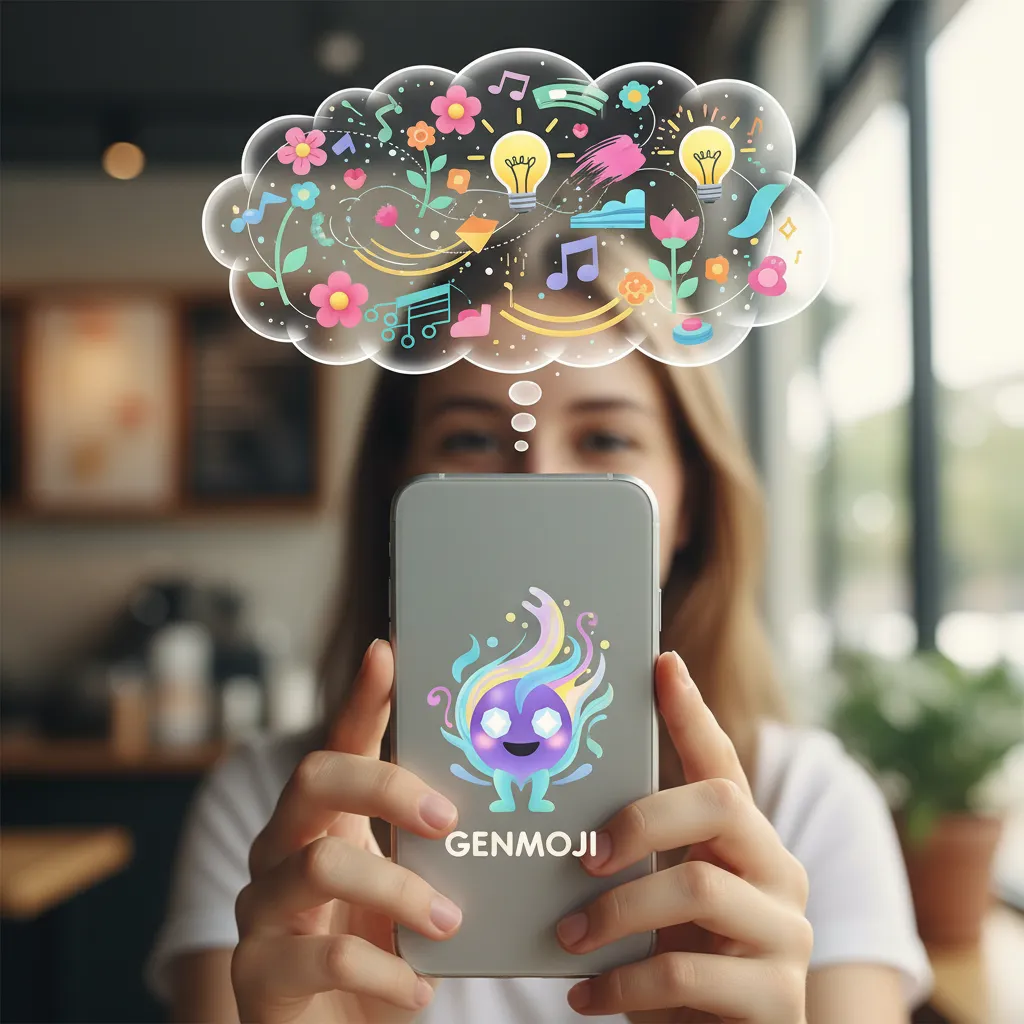
You can even create Genmoji of your friends and family based on their photos. These can be sent as stickers in Messages or used as Tapback reactions, adding a whole new layer of personality and fun to your chats.
Related: The Canvas Awakens: How AI Art is Redefining Creativity
A Smarter, More Organized Digital Life
Beyond creativity and communication, Apple Intelligence brings a new level of organization and efficiency to your daily routines. It’s designed to handle the small cognitive burdens, freeing you up to focus on what matters.
Priority Notifications and Reduced Interruptions
Our phones are a constant source of interruptions. The new notification management AI tackles this head-on. A new “Priority Notifications” feature uses on-device intelligence to identify and surface the most urgent alerts at the top of your stack, like a text about a change in plans or a boarding pass update.
For less urgent notifications, a new “Reduce Interruptions” Focus mode silences them, and Apple Intelligence can even provide a summary of what you missed, ensuring you stay informed without being overwhelmed. This move towards personalized notifications AI is a significant step in improving digital wellbeing.
Intelligent Photo and Video Editing
The Photos app gets a major AI boost, making it easier than ever to find and perfect your memories.
- Natural Language Search: Finding photos is now as simple as describing them. You can search for “Maya skateboarding in a red shirt” or “all the pictures from our beach trip last August,” and the app will instantly find them.
- Clean Up Tool: This is the object removal photos iPhone feature we’ve been waiting for. The Clean Up tool intelligently identifies and removes distracting background objects from your photos without accidentally altering the subject. It’s a powerful piece of AI photo editing iOS that puts professional-level tools in your pocket.
- Memory Movies: Creating beautiful video montages is now effortless. Just type a description of the story you want to tell, and Apple Intelligence will select the best photos and videos, arrange them into a narrative arc, and set them to music.

Enhanced Communication Features
Your calls and voice memos are also getting smarter. A new voice isolation calls feature uses advanced AI to minimize background noise, ensuring your voice comes through crystal clear, even in a crowded environment. In the Notes and Phone apps, you can now record, transcribe, and summarize audio, which is perfect for interviews, lectures, or meetings.
The Apple Difference: Privacy and Security at the Core
In an era of data breaches and privacy concerns, Apple’s approach to AI is a breath of fresh air. The entire system is built on a foundation of privacy focused AI, and this is arguably its most important feature.
Here’s how Apple Intelligence works to protect your information:
- On-Device Processing: Whenever possible, AI tasks are handled directly on your iPhone’s chip. The powerful Neural Engine in the A17 Pro and M-series chips is designed to run these complex models efficiently and securely. Your personal data never leaves your device for these tasks.
- Private Cloud Compute: For more complex requests that require greater computational power, Apple has developed Private Cloud Compute. Instead of sending your data to a generic cloud server, it’s sent to special servers running on Apple silicon. Critically, your data is never stored or made accessible to Apple. It’s used solely to fulfill your request and then cryptographically destroyed. Independent experts can even inspect the code running on these servers to verify this promise.

This hybrid model delivers powerful iPhone AI capabilities without forcing you to compromise on privacy. You get the benefits of advanced AI with the peace of mind that your personal context remains personal. It’s a new standard for the industry.
Related: AI in Cybersecurity: Advanced Threat Detection and Defense
Compatibility and Rollout: Who Gets Apple Intelligence and When?
Due to the intense processing demands of these AI models, Apple Intelligence requires significant horsepower. As a result, it will be available on the following devices upon its release with iOS 18 new features:
- iPhone 15 Pro and iPhone 15 Pro Max (with the A17 Pro chip)
- iPad and Mac models with M1 chips or later
Apple Intelligence will launch in beta as part of iOS 18, iPadOS 18, and macOS Sequoia this fall, initially in US English. Apple plans to roll out support for other languages and regions over the following year.
The Future is Personal: What Apple Intelligence Means for You
Apple Intelligence marks a pivotal moment for the iPhone and the entire Apple ecosystem AI. It’s the culmination of years of research in silicon engineering, software development, and a steadfast commitment to user privacy.
This isn’t just a collection of features; it’s a foundational shift towards a more proactive, context-aware computing experience. Your iPhone will no longer just be a tool you command but a partner that understands and anticipates your needs. From managing your schedule with AI for daily tasks iPhone to sparking your creativity with generative tools, this is a profound step towards making technology feel more human and truly personal.
Conclusion
Apple Intelligence is a bold and thoughtful entry into the world of generative AI. By prioritizing personal context and privacy through powerful on-device processing, Apple has created a system that feels both incredibly powerful and reassuringly secure. The upgraded Siri, system-wide Writing Tools, creative Image Playground, and intelligent organizational features are set to fundamentally enhance the personalized iPhone experience.
This is just the beginning of a new chapter for the iPhone. As developers begin to integrate these capabilities into their apps, the potential for innovation is limitless. Apple hasn’t just added AI to its products; it has intelligently woven it into the fabric of the user experience, setting a new benchmark for what a personal device can be.
What Apple Intelligence feature are you most excited to try? Let us know in the comments below!
Frequently Asked Questions
### Q1. What exactly is Apple Intelligence?
Apple Intelligence is Apple’s new personal intelligence system integrated into iOS 18, iPadOS 18, and macOS Sequoia. It combines powerful generative AI models with your personal context to provide helpful, relevant, and private assistance across your Apple devices.
### Q2. Which iPhones will get Apple Intelligence?
Due to the high computational power required, Apple Intelligence will be available on the iPhone 15 Pro and iPhone 15 Pro Max, which are equipped with the A17 Pro chip. It will also be available on iPads and Macs with an M1 chip or later.
### Q3. Is Apple Intelligence free to use?
Yes, Apple Intelligence is a core feature of the new operating systems (iOS 18, iPadOS 18, macOS Sequoia) and will be free for users with compatible devices. The optional integration with ChatGPT will also be free to start, with potential for subscribers to link their paid accounts for additional features later.
### Q4. How does Apple Intelligence protect my privacy?
It uses a groundbreaking hybrid model. Many tasks are processed directly on your device’s chip, so your data never leaves your phone. For more complex tasks, it uses “Private Cloud Compute”—secure Apple silicon servers where your data is never stored or made visible to Apple and is deleted after your request is complete.
### Q5. Is Apple using OpenAI and ChatGPT?
Yes, Apple has integrated ChatGPT (powered by GPT-4o) into the experience as an optional tool. Siri and the system-wide Writing Tools can tap into ChatGPT’s expertise for broader world knowledge. However, your device will always ask for your permission before sending any information to ChatGPT’s servers, and your requests are not stored.
### Q6. How is the new Siri different?
The new Siri is significantly more powerful and natural. It has a richer understanding of language, is aware of what’s on your screen to take contextual actions, and can perform tasks across multiple apps. It’s more of a true conversational assistant than a simple command-and-response tool.
### Q7. What are some key new features of Apple Intelligence?
Key features include advanced Writing Tools (Rewrite, Proofread, Summarize), Image Playground for AI image generation, Genmoji for creating custom emojis, a smarter Siri with on-screen awareness, Priority Notifications, and a “Clean Up” tool in Photos to remove unwanted objects.