Apple Intelligence: Top iOS 18 AI Features Explained
Introduction: Why Apple Intelligence Is Different
The landscape of personal technology shifts constantly, but rarely does it undergo a transformation as profound as the one ushered in by Apple Intelligence. Unveiled during the exciting WWDC 2024 announcements, this isn’t just a new set of tools; it’s a foundational overhaul of how your Apple devices interact with your life, making them genuinely proactive and hyper-personalized.
For years, we’ve relied on reactive voice assistants and disconnected AI features. Apple is changing the game with a sophisticated, privacy-focused approach. The heart of this system is the integration of advanced Apple large language models directly into the core of iOS 18, iPadOS 18, and macOS Sequoia.
In this comprehensive guide, we’ll deep-dive into the specific iOS 18 AI features that define this era. We will explore the revolutionary Siri update 2024, the creative power behind Genmoji and Image Playground, and the rigorous security of Private Cloud Compute that underpins it all. By the end, you will understand exactly what is Apple Intelligence and how to use it to redefine your digital workflow.
[Related: boost-productivity-10-essential-ai-tools-work-life/]
What is Apple Intelligence? Defining the Personal Intelligence System
Apple Intelligence (often abbreviated as “Apple AI”) is Apple’s ambitious framework for integrating sophisticated generative AI capabilities across its operating systems. Unlike general-purpose AI platforms, Apple explicitly designed this as a personal intelligence system. This distinction is key: its primary function is to understand you—your context, your habits, your data—and use that knowledge to execute complex, multi-app tasks.
At its core, Apple Intelligence is built on three pillars:
- Personal Context: It accesses and analyzes your data (emails, messages, calendar, photos, location) to build a personalized, comprehensive view of your current state.
- Productivity Tools: It uses powerful Apple AI writing tools (Rewrite, Summarize, Proofread) and creative utilities (Genmoji, Image Playground).
- Privacy Assurance: It employs a pioneering new technology called Private Cloud Compute to ensure your personal data remains private, even when utilizing powerful cloud-based models.
The Core Philosophy: Personal Contextual Awareness AI
The defining feature of Apple Intelligence is its contextual awareness AI. This means the system can understand the relationships between your data points. For example:
- If you tell Siri, “Send Mom the photo I took yesterday at the concert,” Siri knows who “Mom” is, knows where you were yesterday (via location data linked to photos), and identifies the specific photo without you needing to manually search for it.
- It understands when you ask for “the address for that new pizza place my wife recommended,” by scanning messages and cross-referencing maps, even if the place isn’t explicitly named.
This level of comprehension moves far beyond keyword-matching, setting it apart from previous digital assistants. It creates a seamless, anticipatory experience that is deeply interwoven with your private life—which brings us to the crucial element of processing.
On-Device AI Processing vs. Cloud Computing
The architecture of Apple Intelligence is a hybrid model designed for speed and privacy.
The majority of straightforward, low-latency tasks—such as generating short text, quick photo edits, or simple task management—are handled via on-device AI processing. This keeps your most sensitive data (like your messages and health information) entirely local and private. It leverages the Neural Engine built into modern Apple silicon, specifically the A17 Pro chip and M-series chips.
However, some complex requests (like generating high-quality images or querying exceptionally large language models) require significantly more computational power. For these tasks, Apple introduces Private Cloud Compute (PCC), an entirely new paradigm for cloud AI that we will detail later.
The Revolution of Siri: Context, Conversation, and Control
The most immediate and visible change driven by Apple Intelligence is the complete overhaul of Siri. The new Siri features transform the digital assistant from a sometimes-clumsy helper into a powerful, genuinely useful co-pilot.
Siri Update 2024: The New Look and Contextual Power
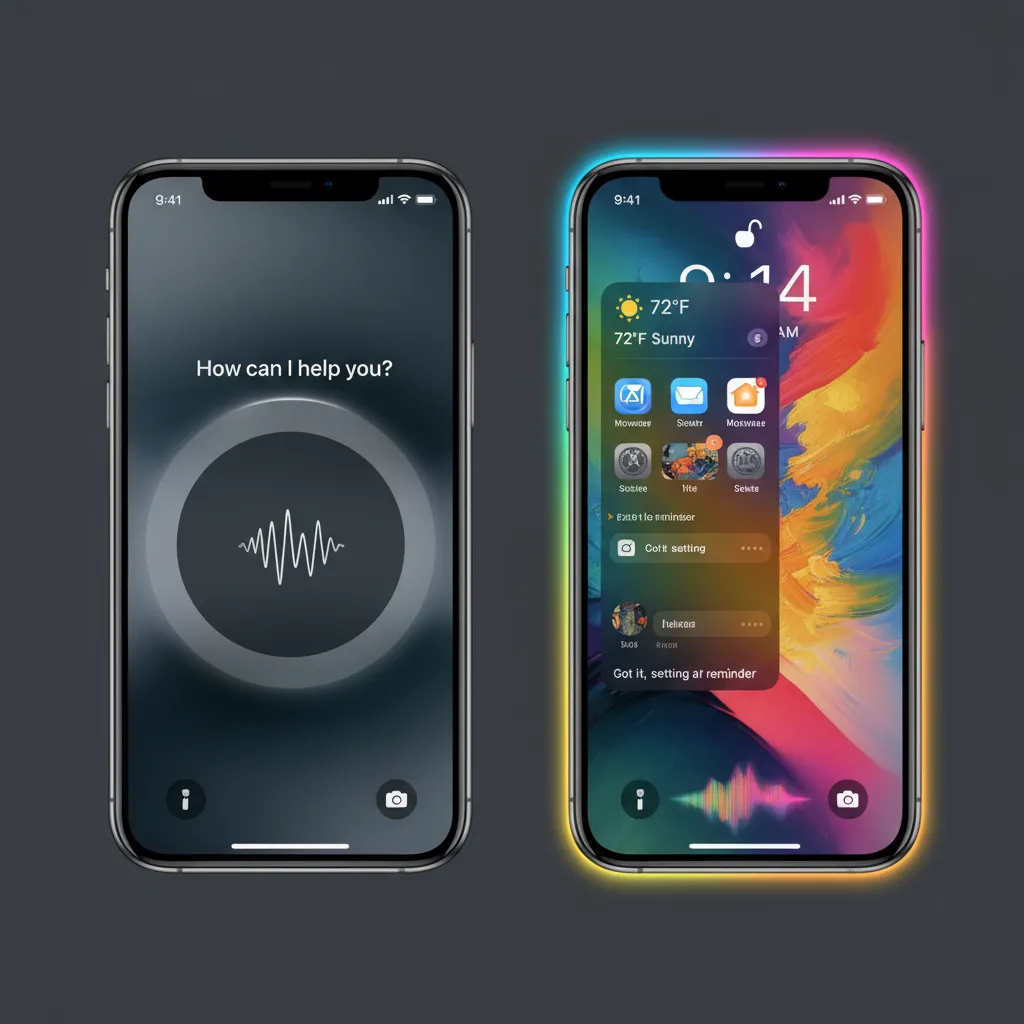
Visually, Siri receives a subtle but significant update. Instead of a fullscreen overlay, a soft, glowing light now borders the edges of the display, signaling that Siri is listening and actively engaged. This non-intrusive design reflects its newfound ability to stay in the background while still processing information on the screen.
The core improvement lies in its ability to handle complex, multi-step commands. You can now naturally stack requests or make references to previous statements, just as you would in a conversation with a person.
On-Screen Awareness and Semantic Indexing Apple
Siri’s true power comes from on-screen awareness. It can now analyze and understand the context of what’s currently displayed on your screen, whether it’s an email, a website, a document, or a photo.
A core technology enabling this is semantic indexing Apple. Unlike traditional indexing that focuses only on file names or keywords, semantic indexing understands the meaning and relationship of the data stored on your device. This allows Siri to perform truly innovative actions like:
- “Add the address from this email to Jane’s contact card.”
- “Summarize the key points of this long article I have open in Safari.”
- “Remind me about this meeting when I get home.” (Linking the reminder directly to the calendar event currently visible).
Siri and ChatGPT Integration: A Powerful Partnership
For requests that fall outside the scope of Apple’s personal intelligence model—particularly those requiring broad, general knowledge generation or creative brainstorming—Apple has integrated the world-class capabilities of OpenAI’s GPT-4o model.
The key to this Siri and ChatGPT integration is that it is strictly permission-based. If Siri determines a query is best handled by ChatGPT, it will ask the user for permission to send the query and relevant documents (which are anonymized).
Crucially, Apple is routing these ChatGPT requests via Private Cloud Compute for added protection, and the user’s IP addresses are obscured. This ensures that users can access powerful external AI while retaining control over their data flow, addressing potential concerns about Apple Intelligence vs ChatGPT regarding privacy.
Next-Gen AI Writing Tools in iOS 18
The introduction of Apple AI writing tools is set to dramatically enhance productivity across Mail, Notes, Pages, and third-party apps integrated into iOS 18. These tools leverage generative AI to assist with everything from finding the perfect tone to condensing overwhelming blocks of text.
The Rewrite Tool iOS 18: Tone and Style Adjustments
The “Rewrite” function is a standout feature. It allows users to select a piece of text—whether it’s an email draft, a note, or a text message—and instantly adjust its tone, style, and length.
Practical Use Cases for the Rewrite Tool:
- Formal to Casual: Drafting a professional email and wanting to make it sound friendlier for an internal memo.
- Concise: Taking a long-winded paragraph and boiling it down to three bullet points for a presentation summary.
- Authoritative: Refining a first draft of an article to sound more academic and professional.
Summarization and Proofreading Features
Alongside rewriting, the AI-powered summarization feature works across various applications, making information management vastly easier.
In the Mail app, for instance, it can summarize long email threads, saving you minutes of scrolling and reading. In Notes, it can generate key takeaways from meeting transcriptions.
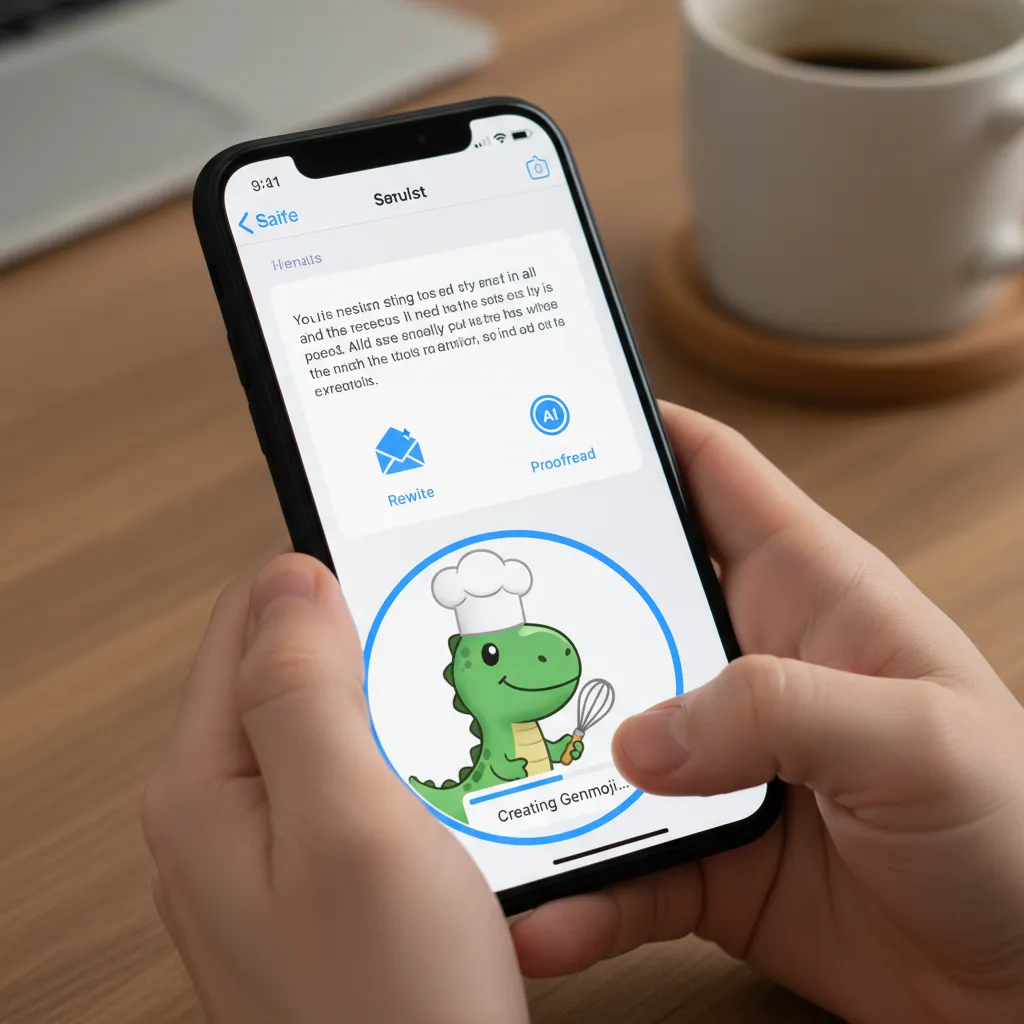
The Proofread tool goes beyond simple spellcheck. It analyzes grammar, punctuation, and stylistic choices, suggesting improvements for clarity and flow, ensuring your communications are polished and professional.
[Related: ai-revolutionizing-personal-finance/]
Visual Creativity Unleashed: Genmoji and Image Playground
Apple Intelligence extends its creative reach into image and emoji generation, making personalized, generative art accessible to everyone running iOS 18.
Genmoji: Creating Custom Emojis Instantly
For those moments when a standard emoji just doesn’t capture the precise emotion, Genmoji steps in. This innovative feature allows users to describe an emoji they want, and Apple Intelligence generates it instantly.
The process of creating custom emojis is simple:
- Describe the desired image (e.g., “A happy dinosaur wearing a graduation cap and eating a donut”).
- The system generates several options in the style of standard emojis.
- You can use the resulting Genmoji instantly in messages, texts, or as stickers.
Genmoji adds a highly personal and expressive layer to digital communication.
Image Playground: AI Art Generation Made Easy
Image Playground is Apple’s answer to popular AI art generators. Integrated into apps like Messages and Keynote, it allows users to quickly generate fun, personalized images in three distinct styles: Animation, Illustration, and Sketch.
Unlike complex standalone AI image generators, Image Playground focuses on speed and ease of use. It’s perfect for generating visual cues for conversations or quick presentation graphics.

[Related: ai-image-generators-creative-content-ethical-concerns/]
AI Photo Editing iOS 18: Clean Up Tool Photos
While not as flashy as generative art, the powerful new AI photo editing iOS 18 features bring professional-grade tools to casual users. The most notable is the Clean Up tool photos.
Similar to advanced object removal features in other apps, the Clean Up tool allows users to simply circle or brush over unwanted objects (a stranger in the background, a trash can, an ugly wire) and watch the system intelligently erase the object while seamlessly filling the background, all through advanced generative AI models running locally on the device.
Priority and Organization: Mail and Notifications
Organization has always been a key focus for operating system updates, but Apple Intelligence uses its contextual awareness AI to elevate information filtering to a new level.
Priority Messages Mail: Cutting Through the Noise
The new Priority Messages Mail feature leverages AI-powered summarization and organization to manage your inbox better. It can intelligently identify the most time-sensitive or critical emails, moving them to a dedicated section at the top of your inbox.
This prioritization is based on context: emails from your boss about an imminent deadline, travel confirmations for a trip next week, or correspondence from a known client will all be recognized as high priority, helping users avoid sifting through newsletters and marketing material to find crucial information.
Similar filtering applies to notifications, where the system can group non-urgent alerts into digests and highlight only those that require immediate attention.
Privacy First: Understanding Private Cloud Compute
In the highly competitive and sometimes ethically murky world of generative AI, Apple’s biggest differentiator is its staunch commitment to Apple Intelligence privacy. This is embodied in its groundbreaking infrastructure: Private Cloud Compute (PCC).
How Private Cloud Compute Protects User Data
PCC is Apple’s method for handling the most computationally intensive AI requests without compromising user data. When an AI task is too complex for on-device AI processing, the system sends the request to PCC servers built on Apple silicon (M-series chips) and running highly secure, specialized software.
Key Security Features of PCC:
- Transparency: Apple states that the software running on PCC servers is cryptographically verifiable, meaning independent security experts can confirm that only the specific AI model is running and that data is not being stored or logged.
- Ephemerality: The data sent to the cloud is used solely for the calculation and is instantly deleted. The servers cannot permanently store the user’s data or profile them.
- Isolation: If any part of the PCC server environment is ever compromised, the attacker cannot access user data because the data is encrypted, anonymous, and tied only to the temporary session.
This radical approach ensures that Apple Intelligence delivers powerful cloud-level performance while maintaining the high standards of Apple Intelligence privacy that users expect. It addresses the main anxiety of using generative AI: handing over your private life to a third party.

The Hardware Requirement: Apple Intelligence Supported Devices
One of the most discussed points following the WWDC WWDC 2024 announcements was the limited availability of Apple Intelligence. Due to the high demands of running sophisticated large language models locally and efficiently, not all devices running iOS 18 will support the new AI features.
Why the A17 Pro and M-Series Chips are Essential
Apple Intelligence heavily relies on the high-performance Neural Engine for accelerated AI calculations. This engine is required for both the speed of on-device AI processing and for establishing the highly secure connection necessary for Private Cloud Compute.
Therefore, the list of Apple Intelligence supported devices is currently limited to:
- iPhones: iPhone 15 Pro and iPhone 15 Pro Max (devices featuring the A17 Pro chip, optimized for iPhone 15 Pro AI tasks).
- iPads: All iPads equipped with M1, M2, M3, and future M-series chips.
- Macs: All Macs equipped with M1, M2, M3, and future M-series chip AI capabilities.
For users with older devices, while they will receive the aesthetic and non-AI-dependent updates of iOS 18, they will miss out on core features like the new Siri, Genmoji, and AI writing tools. This distinction underscores the computational complexity of running a truly effective personal intelligence system.
iOS 18 Release Date and Beta Features iOS 18
The iOS 18 release date is traditionally scheduled for the fall (September/October), aligning with the launch of new iPhones.
Apple typically begins offering beta features iOS 18 to developers shortly after WWDC (June), followed by public betas in July. While the initial beta releases may offer glimpses of the new design and some features, the complete suite of Apple Intelligence features often rolls out incrementally throughout the beta period and sometimes even post-launch (e.g., the full Siri update 2024 capabilities may arrive in a later dot release). Users should check official Apple documentation for the precise rollout schedule.
How to Use Apple Intelligence: Practical Examples
The beauty of Apple Intelligence is that much of its power is passive and integrated, meaning there is no single “Apple Intelligence app” to launch. It works seamlessly within the apps you already use.
Here are concrete examples of how to use Apple Intelligence once it is fully deployed:
| Feature | Action/Prompt | Result/Context |
|---|---|---|
| Siri & On-Screen Awareness | ”Siri, ask my wife if she wants to meet up at the brewery mentioned in this text.” | Siri scans the message thread, identifies the location name, and drafts a message using the preferred communication channel. |
| Rewrite Tool | Select a draft email in Mail and choose “Rewrite” > “Make it more enthusiastic.” | Transforms a bland, professional note into an engaging, motivational message. |
| Image Playground | In Messages, type a prompt: “A robot playing a tiny guitar, in Illustration style.” | Generates a quick, personalized image to send with your message. |
| Clean Up Tool Photos | Select a photo, tap Edit, and brush over the power lines cluttering the sky. | AI removes the power lines and regenerates the sky background seamlessly. |
| Priority Messages Mail | Open Mail. | Your inbox is sorted automatically, displaying high-priority, time-sensitive emails first, based on who sent them and the content of the message. |
[Related: ai-revolutionizing-healthcare-innovations-future-trends/]
Apple Intelligence vs ChatGPT: A Comparison of Intent
It is vital to understand the difference between Apple Intelligence (AI) and powerful, publicly available models like ChatGPT or Google Gemini. While Apple Intelligence uses large language models, its core purpose is different.
| Feature | Apple Intelligence | ChatGPT / Gemini |
|---|---|---|
| Primary Goal | Personalized, contextual assistance and productivity. | General knowledge, content generation, and broad reasoning. |
| Context | Deeply relies on your private, personal data (messages, photos, calendar). | Relies on its vast training dataset and real-time internet searches. |
| Privacy Model | Private Cloud Compute; on-device processing; data is ephemeral and verified. | Data handling varies; user queries may be stored for model training (unless opted out). |
| Availability | Integrated into iOS/iPadOS/macOS (requires specific hardware). | Available via web interface, dedicated app, or API integration. |
| Type of Task | Executing tasks based on context (e.g., “Find the presentation I showed at the marketing meeting”). | Generating novel content or providing general answers (e.g., “Write a marketing pitch for a new software product”). |
Apple Intelligence is your personal digital secretary, tailored to your life. ChatGPT is a general-purpose knowledge engine. The fact that the Siri and ChatGPT integration is a carefully managed feature underscores that they serve complementary, not identical, functions.
Conclusion: The Dawn of Truly Personal Computing
Apple Intelligence marks the beginning of truly proactive, personalized computing. By seamlessly integrating the power of large language models with deep, contextual awareness AI and anchoring the entire system in unprecedented privacy standards via Private Cloud Compute, Apple is not just playing catch-up in the AI race—it’s defining a new category: the personal intelligence system.
From using the Rewrite tool iOS 18 to perfect an email, to instantly creating custom emojis with Genmoji, and enjoying the convenience of Priority Messages Mail, the iOS 18 AI features promise to make interacting with our devices feel less like using a tool and more like working with an intuitive, highly competent assistant.
While the requirement for iPhone 15 Pro AI or M-series chip AI devices limits initial accessibility, it sets a necessary technological benchmark for future releases. We are moving toward a world where our technology understands us, anticipates our needs, and helps us achieve more, all while safeguarding our most personal data.
Are you ready to experience the next evolution of personal computing? Ensure your device is ready for the iOS 18 release date and prepare to see your Apple devices change how you work, create, and communicate.
FAQs
Q1. What is Apple Intelligence?
Apple Intelligence is the name of the new personal intelligence system integrated across iOS 18, iPadOS 18, and macOS Sequoia. It combines powerful Apple large language models with the user’s personal data (calendar, mail, messages, etc.) to deliver contextual, personalized, and private generative AI capabilities directly on Apple devices.
Q2. Which devices support Apple Intelligence features?
Due to the intensive computational requirements for on-device AI processing and Secure Enclave usage, Apple Intelligence features are only supported by devices equipped with the A17 Pro chip or any Apple M-series chip. This currently includes the iPhone 15 Pro and iPhone 15 Pro Max, and Macs/iPads with M1 chips or newer.
Q3. How does Private Cloud Compute ensure user privacy?
Private Cloud Compute (PCC) is Apple’s cryptographic approach to using cloud resources for complex AI tasks. When data is sent to PCC servers, it is encrypted and anonymized. The servers run verifiable, specialized Apple silicon (M-series chip AI) that is engineered to not store the data or log user information. The data is processed and immediately deleted, ensuring robust Apple Intelligence privacy.
Q4. What is Genmoji and how is it different from existing emojis?
Genmoji is an iOS 18 AI feature that allows users to instantly create personalized, custom emojis based on a text description. Unlike standard Unicode emojis, Genmoji are generated by AI in real-time and can feature highly specific, unique concepts (e.g., a sad robot wearing a crown), which can then be used as stickers or reactions in messages.
Q5. What is semantic indexing Apple and how does it help Siri?
Semantic indexing Apple is a deep processing technology that enables the system to understand the meaning, context, and relationships between data on your device, not just keywords. This allows the new, updated Siri (Siri update 2024) to perform tasks based on contextual awareness AI, such as finding specific photos or files based on descriptive, natural language queries (e.g., “Show me the email from Sarah about our vacation next month”).
Q6. Will Apple Intelligence replace ChatGPT?
No, Apple Intelligence vs ChatGPT indicates they serve different roles. Apple Intelligence is a personal intelligence system focused on enhancing productivity, organization, and creativity using your personal context. ChatGPT is a general-purpose language model. Apple actually integrated a secure, permission-based Siri and ChatGPT integration for general knowledge requests that require broad, non-personal expertise.
Q7. When will I be able to start using Apple Intelligence?
While developers gain access to beta features iOS 18 soon after WWDC (June), the official iOS 18 release date and the full rollout of Apple Intelligence features is typically scheduled for the fall (September/October). Users should expect some features to appear incrementally in the initial release and subsequent dot updates.