Android 15: Top Features, Release Date & Supported Devices

Introduction: The Next Evolution of the Android Operating System
Every year, the arrival of the new Android update marks a pivotal moment in mobile technology. This year, all eyes are on Android 15, codenamed “Vanilla Ice Cream,” and it promises to be much more than a minor iteration. Google is focusing heavily on refining core user experiences, dramatically enhancing privacy tools, and pushing the boundaries of connectivity.
If you’re wondering what’s new in Android 15, when you can finally get your hands on it (the official Android 15 release date), or whether your current device will make the cut for the list of Android 15 supported devices, you’re in the right place.
The journey from the early Developer Previews to the final stable release has revealed a potent focus on three pillars: Security, Performance, and Digital Wellbeing. This update aims to solidify Android’s position as a mature, powerful, and remarkably secure mobile operating system.
We’ve dug deep into the development channels, analyzed the Android 15 beta feedback, and parsed official Google documentation to bring you the most comprehensive and authoritative Android 15 review. We’ll cover everything from the revolutionary new Private Space Android 15 feature to crucial backend improvements boosting Android 15 battery life and Android 15 performance.
Ready to dive into the latest Android version and discover the future of your smartphone experience? Let’s begin.
The Official Android 15 Release Date & Timeline
Understanding the release schedule for a major operating system like Android 15 helps users and manufacturers plan accordingly. Google typically follows a predictable cadence, moving from developer-focused previews to public betas before the final stable launch.
Key Milestones for Android 15
| Stage | Expected Timing | Focus & Availability |
|---|---|---|
| Developer Previews (DP1 & DP2) | February – March | Core functionality, API changes, and feedback for Android 15 for developers. Available primarily on Pixel devices. |
| Public Beta (Beta 1, 2, 3) | April – July | Stability and feature refinement. Open enrollment, allowing users with Android 15 supported devices (starting with Pixel) to experience the new features. |
| Platform Stability | August | All APIs and app-facing behaviors are finalized. OEMs begin their internal testing and integration process. |
| Official Stable Launch | October (Historically) | The official Android 15 release date. Initially rolls out to Google Pixel devices, marking the debut of the new Android update. |
While the official announcement from Google typically solidifies the date in late summer, historical data points strongly toward an early October launch. This launch usually coincides with the unveiling of the new line of Pixel smartphones, which serve as the flagship devices for the latest Android version.
Following the Pixel launch, other major manufacturers like Samsung, Xiaomi, and OnePlus will begin their proprietary rollouts, which can take weeks or months depending on carrier approval and region.
Top New Android 15 Features: Security, Privacy, and Usability
The backbone of Android 15 features is user control and system efficiency. While smaller quality-of-life updates abound, several tentpole features define this release, many focused on addressing modern digital security and distraction challenges.
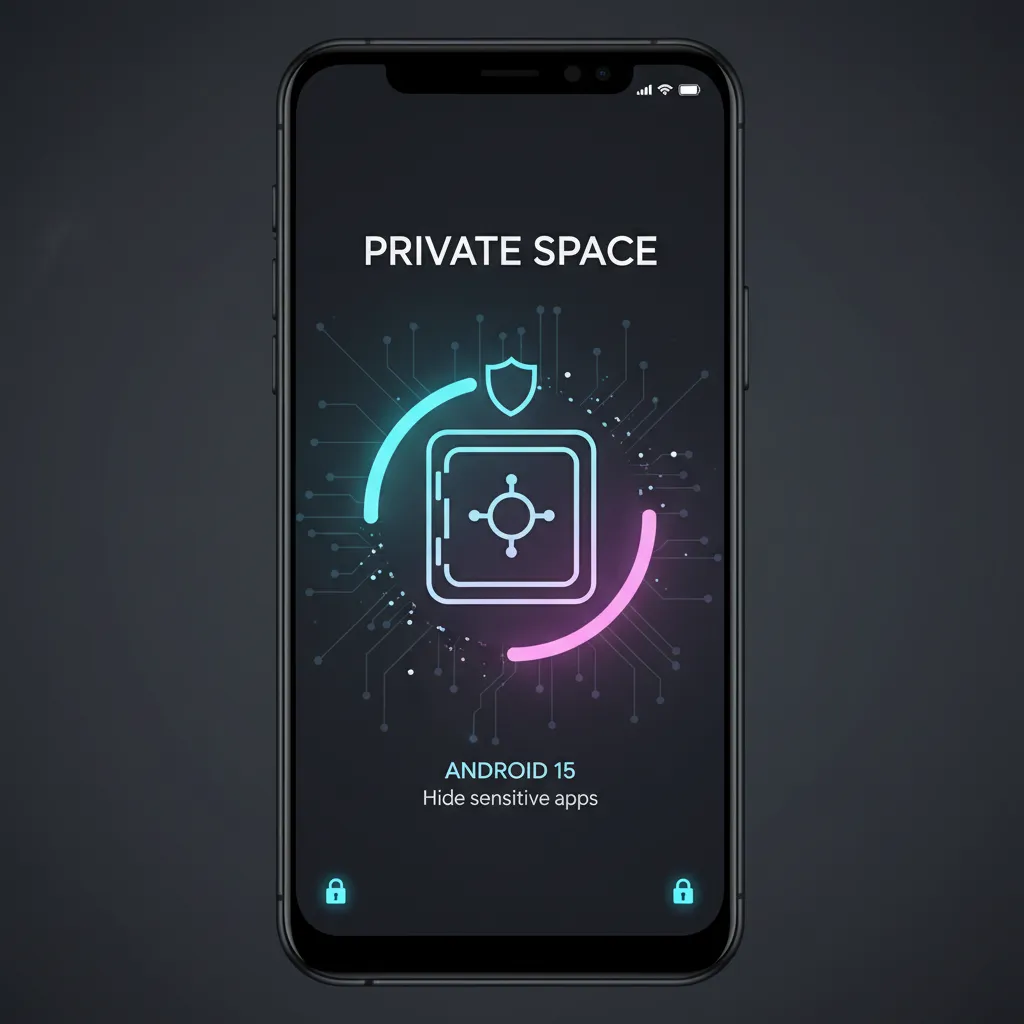
Fort Knox for Apps: Introducing Private Space
One of the most anticipated new features in Android 15 is Private Space. This feature directly addresses user concerns about data separation and confidentiality on shared or often-handled devices.
Private Space Android 15 functions like a secure, hidden container on your phone. It allows you to wall off sensitive applications, accounts, and notifications (such as banking apps, dating profiles, or medical information) behind a secondary layer of authentication—separate from your main phone lock screen.
Why Private Space is a Game-Changer:
- Enhanced Discretion: Apps installed in the Private Space are not visible in the main app drawer, home screen, or recent apps list.
- Independent Security: It can be locked with a different PIN, fingerprint, or password than your main phone lock.
- True Isolation: The system prevents the transfer of data or notifications between the Private Space and the main profile, vastly improving Android 15 privacy features.
This move is a strong indicator that Google is investing heavily in making the Android operating system the most secure platform available for privacy-conscious users.
Focused Sharing: Partial Screen Recording and Sharing
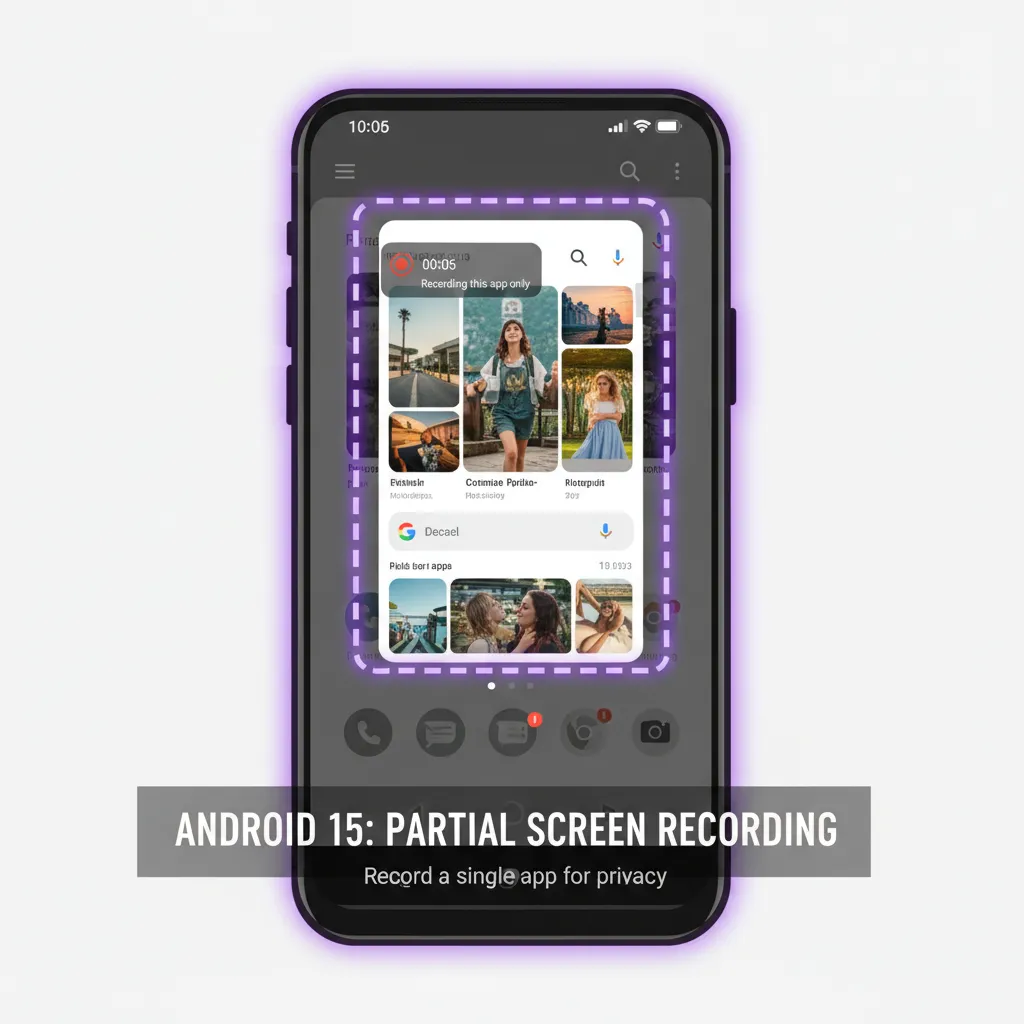
How many times have you tried to share a quick screenshot or screen recording, only to realize you accidentally included a sensitive notification, a personal chat pop-up, or a private toolbar?
Partial screen sharing Android solves this problem elegantly. Building on the screen recording features introduced in earlier versions, Android 15 allows users to select just a single app window or a defined portion of the screen to share or record.
This is a massive boost to productivity and privacy, ensuring that only the intended visual information leaves your device. Whether you are conducting a presentation or simply recording a bug report for technical support, this granular control is invaluable.
Smarter Connectivity: Satellite Support Goes Mainstream
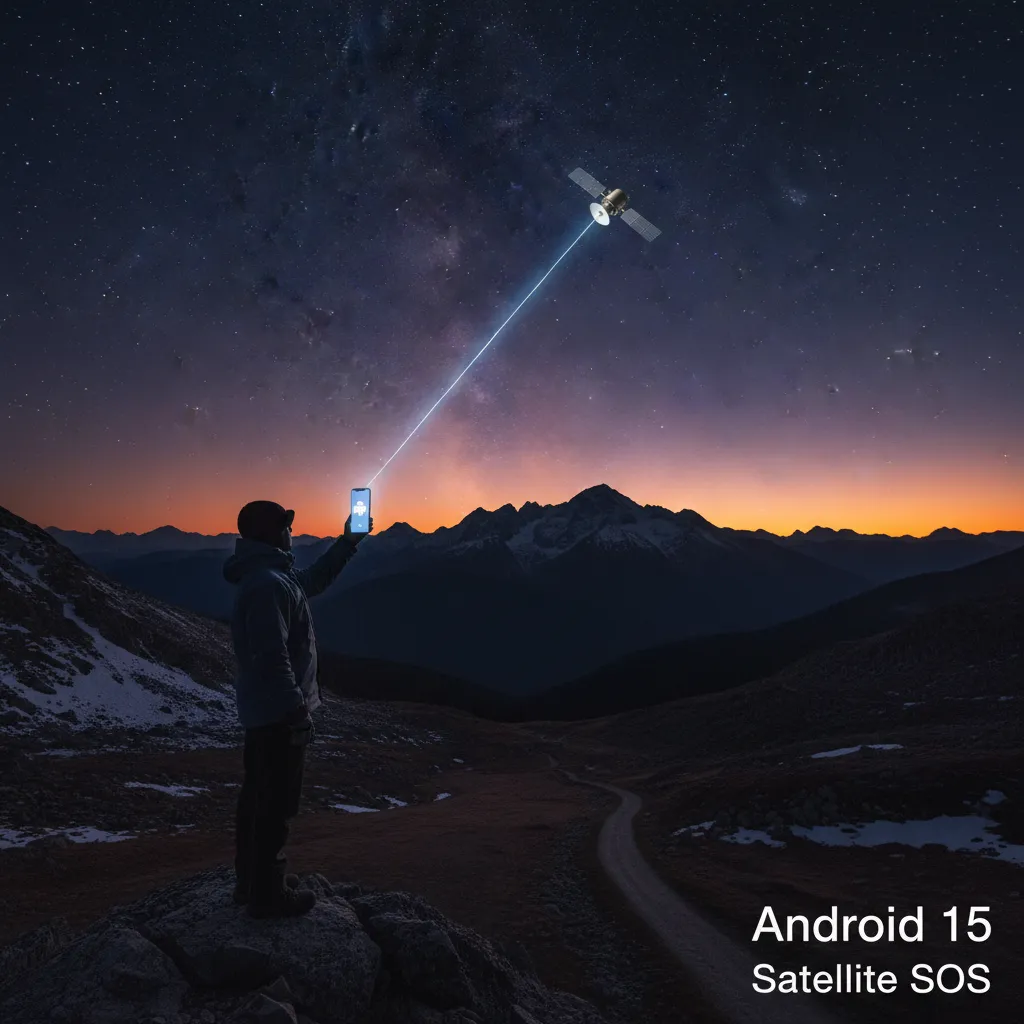
Emergency satellite connectivity Android features have been creeping into high-end smartphones, but Android 15 aims to standardize the experience across the operating system.
Android 15 now includes comprehensive API support for satellite connectivity. This means:
- Broader Device Support: More manufacturers will be able to integrate satellite SOS features natively, increasing access to help in remote or coverage-dead zones.
- Standardized UI: A unified interface will guide users through connecting to a satellite network for emergency texts, similar to how they connect to Wi-Fi or cellular networks.
While this feature is currently geared towards emergency use, its underlying framework suggests a future where low-bandwidth data via satellite could become a genuine fallback, making it a key element of mobile tech trends 2024.
Related: AI Cosmic Leap: Revolutionizing Space Exploration and Humanity
Taming the Digital Noise: Notification Cooldown
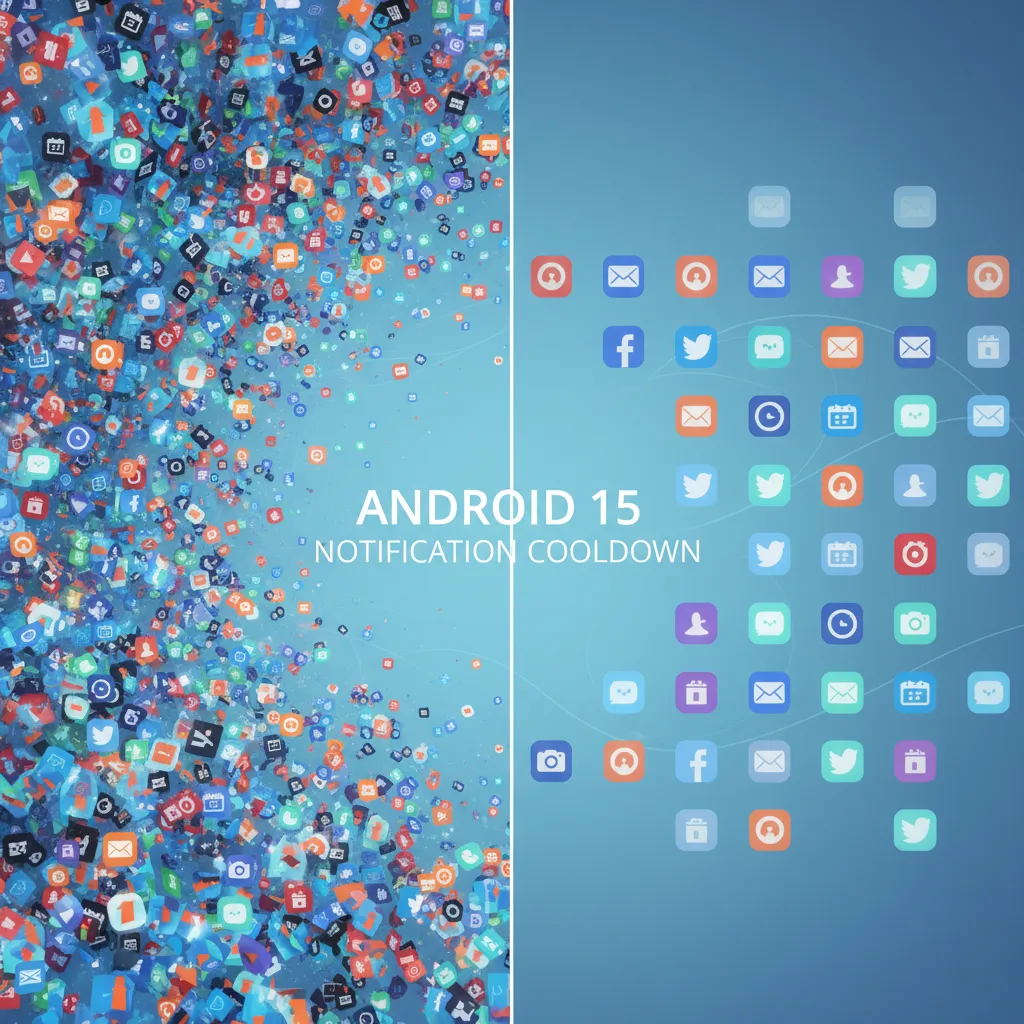
In our always-on world, notification overload is a serious issue impacting mental health and productivity. Google is stepping up its digital wellbeing game with the Android 15 notification cooldown feature.
This ingenious tool recognizes when an application (like a messaging app or a news feed) is sending a rapid fire of notifications in a short period. Instead of allowing constant disruption, the system intelligently reduces the volume of subsequent notifications from that specific app. The notifications still arrive, but the sound/vibration intensity subtly decreases with each subsequent ping.
This subtle change is a highly effective way to manage notification fatigue without forcing users to completely silence apps, offering a practical solution to digital overload.
Customization and Aesthetics: Lock Screen and Widgets
While the headline features focus on backend improvements, cosmetic and usability updates remain important. Android 15 brings refinements to the customization engine, particularly around the Android 15 lock screen and Android 15 widgets.
- Improved Lock Screen Widgets: Expect greater flexibility and interactive capabilities for widgets displayed directly on the lock screen and the always-on display, allowing for faster glanceable information.
- Wallpaper and Theme Engine Refinements: The Material You system is further enhanced, offering smoother transitions and greater control over color palettes extracted from wallpapers, ensuring all app icons and system menus look harmonious.
These enhancements ensure that your device feels uniquely yours, blending high performance with tailored aesthetics.
Under the Hood: Performance, Battery, and Developer Tools
Beyond the user-facing features, significant work has gone into the core of the Android operating system. These technical improvements are crucial for guaranteeing a smooth and efficient experience across diverse hardware.
Enhancing Android 15 Battery Life and Performance
Every user wants more time away from the charger. Android 15 battery life improvements stem from optimizations in how apps run in the background.
- Reduced Background Processes: Android 15 aggressively optimizes how services run when the device is idle or when specific apps haven’t been opened recently. This cuts down on unnecessary CPU cycles and, consequently, saves power.
- Adaptive Hibernation: The system is smarter about freezing apps that haven’t been used in extended periods, freeing up memory and enhancing overall Android 15 performance. Benchmarks from the developer previews indicate a noticeable jump in efficiency compared to Android 15 vs Android 14 on the same hardware.
- Faster App Load Times: Improvements to the system compiler and runtime environment mean apps launch quicker and multitasking is smoother, especially on devices with lower memory specifications.
Key Updates for Android 15 for Developers
Google’s primary goal with the Developer Previews is to give app creators the tools they need to utilize the new platform features effectively. Key changes include:
- Health Connect Integration: Deeper integration and standard APIs for health and fitness tracking, allowing developers easier access to aggregated user health data (with strict privacy controls).
- Media Features: Enhanced support for Ultra HDR format and deeper controls over camera flashes, promising major advances in Android 15 camera features. This allows apps to capture richer, more true-to-life images, utilizing the full dynamic range of modern smartphone sensors.
- File Integrity APIs: New APIs designed to help protect files from being tampered with or corrupted, further bolstering overall device security.
Related: AI Image Generators: Creative Content and Ethical Concerns
Bolstering Protection: Android 15 Security Updates
Security is no longer a feature; it’s a foundational requirement. Android 15 security updates focus on strengthening the sandbox environment and protecting against sophisticated modern threats.
A critical security feature is the enhanced integrity check for apps. The OS is now better at verifying that downloaded and installed apps haven’t been secretly modified or corrupted, even after installation. Furthermore, the handling of sensitive permissions has been tightened, making it harder for rogue apps to escalate privileges without explicit user confirmation.
Android 15 Supported Devices: Will Your Phone Get the Update?
The burning question for millions of users is: “Is my phone one of the Android 15 supported devices?”
Device eligibility largely depends on the manufacturer’s commitment to software support.
Google Pixel Lineup
As always, Google’s own devices receive the update first, starting with the final stable release in October. If your device is eligible for Android 15 beta, it is guaranteed to receive the stable version.
The following Google phones are guaranteed to receive the Google Pixel Android 15 update:
| Device Model | Eligibility Status |
|---|---|
| Pixel 8, 8 Pro, 8a | Guaranteed |
| Pixel 7, 7 Pro, 7a | Guaranteed |
| Pixel 6, 6 Pro, 6a | Guaranteed |
| Pixel Fold | Guaranteed |
| Pixel Tablet | Guaranteed |
Note: Older devices like the Pixel 5 series will have reached the end of their guaranteed support window and may not receive the official update, though this can sometimes vary.
When to Expect the Samsung Android 15 Update and Others
For other major Original Equipment Manufacturers (OEMs), the rollout schedule is typically staggered and slower than Pixel’s. Most flagship phones from the past two generations are expected to qualify for the new Android update.
1. Samsung (One UI 7)
Samsung is typically the quickest to adapt the Android operating system due to its massive scale. The Samsung Android 15 update (known as One UI 7) usually begins deployment in late Q4 of the launch year (November/December) for the newest flagship devices (S series and Fold/Flip). Mid-range and older flagships will follow throughout Q1 and Q2 of the subsequent year.
- Expected Devices: Galaxy S24, S23, S22 series; Galaxy Z Fold 5, 4; Galaxy Z Flip 5, 4; select A series models.
2. OnePlus
OnePlus, known for its rapid OxygenOS updates, usually begins its stable rollout in late Q4 or early Q1.
- Expected Devices: OnePlus 12, 11, and some Nord models.
3. Xiaomi and Others
Xiaomi (with HyperOS), Oppo, Vivo, and others will announce their specific schedules in the months following Google’s stable release. Users should check their manufacturer’s official software commitment policies for exact details. Most devices launched in the last 18–24 months that originally shipped with Android 13 or 14 should qualify.
Should You Update to Android 15? A Comparison with Android 14
For many users, the decision to install the latest Android version is a cautious one. Is it stable? Are the features worth potential bugs? We offer an honest Android 15 review and a brief comparison against its predecessor, Android 15 vs Android 14.
Key Differences: Android 15 vs Android 14
| Feature Focus | Android 14 (U) | Android 15 (V) | Verdict |
|---|---|---|---|
| Privacy/Security | App permissions refinement, stronger malware scanning. | Private Space, Enhanced File Integrity, Partial Screen Sharing. | Major Upgrade (Private Space is foundational). |
| Connectivity | Standard Wi-Fi 7 readiness. | System-level Satellite Connectivity Android APIs. | Significant Upgrade for emergencies. |
| Wellbeing | Data usage transparency, improved Do Not Disturb. | Notification Cooldown, better background process control. | Quality of Life Improvement. |
| Performance | Incremental improvements in ART runtime. | Deeper background optimization, noticeable boost in Android 15 performance and Android 15 battery life. | Solid Optimization. |
| Camera | Ultra HDR Capture format implementation. | Android 15 camera features (Deeper flash control, improved low-light handling). | Necessary Refinement. |
Conclusion: Should I Update to Android 15?
Yes, you absolutely should update to Android 15 when the stable version is available for your device.
If you are currently on the Android 15 beta, stability might still be a concern, and battery performance may fluctuate. However, once the stable channel is released (typically October for Pixels and shortly thereafter for others), the benefits far outweigh any concerns.
The core reason to update isn’t just the flashy features, but the underlying Android 15 security updates and system performance enhancements. Private Space offers a genuinely new layer of digital separation, which is crucial for modern digital life. Updating ensures your device is running the most secure and efficient software available.
How to Download and Install Android 15
Once the official Android 15 release date passes and your device is confirmed to be on the list of Android 15 supported devices, the process is straightforward.
Step 1: Check for the Update
Your phone will typically notify you when the new Android update is available. If not, you can manually check:
- Open your device’s Settings app.
- Scroll down to System.
- Tap on System Update (or similar wording, depending on the manufacturer’s skin).
- Tap Check for update.
Step 2: Prepare Your Device for Android 15 Download
Before you hit the Android 15 download button, it’s essential to prepare your device:
- Backup Data: Use Google One or your phone’s built-in backup solution to ensure all your photos, contacts, and app data are secure.
- Charge Battery: Ensure your device is charged to at least 70% or plugged into a power source, as the installation process can be battery intensive.
- Free Up Space: The update package size can be substantial (often 2–3 GB). Clear out old files if necessary.
Step 3: Install Android 15
Once downloaded, the system will prompt you to install the update. Select “Install Now” or “Restart and Install.” Your device will reboot several times. This process can take anywhere from 20 to 45 minutes, so choose a time when you won’t need your phone.
Caution on Beta Installation
If you are trying to figure out how to install Android 15 via the beta channel, remember that beta versions are inherently unstable. They are best reserved for secondary devices or users comfortable with troubleshooting bugs. The stable release is always the recommended path for the majority of users.
Related: Best AI Tools for Personal Productivity in Daily Life
Conclusion: Securing the Future of Mobile Experience
Android 15 represents a maturation of the Android operating system. It’s not defined by a single, flashy redesign but rather by deep-seated improvements that directly address the core needs of the modern user: security, performance, and freedom from digital distraction.
The introduction of Private Space Android 15 alone makes this update mandatory for anyone serious about their data privacy. Coupled with tangible boosts to Android 15 performance and battery efficiency, the latest Android version makes a compelling case for immediate adoption when it arrives.
We’ve covered the estimated Android 15 release date (look out for October), the list of likely Android 15 supported devices, and the steps for the Android 15 download. Keep an eye on your device manufacturer for official announcements, and prepare to welcome a smarter, safer, and more streamlined mobile life.
The momentum behind these mobile tech trends 2024 confirms that user control and background intelligence are the future of mobile OS design.
FAQs: Your Android 15 Questions Answered
We’ve analyzed Google’s “People Also Ask” data to address the most common questions about the new Android update.
Q1. What is the main new feature in Android 15?
The main headline feature in Android 15 is Private Space. This feature allows users to create a separate, locked, and hidden profile on their device for sensitive apps and data, significantly boosting Android 15 privacy features by isolating confidential applications from the main user profile.
Q2. Is Android 15 significantly different from Android 14?
Yes, the differences between Android 15 vs Android 14 are significant, though mostly under the surface. While Android 14 focused on minor UX tweaks, Android 15 introduces major structural changes like Private Space, system-level support for satellite connectivity Android, and optimizations that result in superior Android 15 battery life and Android 15 performance.
Q3. When can I download the stable version of Android 15?
The official stable Android 15 download is expected around October, following Google’s traditional release schedule. Google Pixel devices will receive it first. Other manufacturers, such as those releasing the Samsung Android 15 update, will begin their rollouts later in Q4 and continue into the following year.
Q4. Does Android 15 include better camera features?
Yes. Android 15 camera features include enhanced control over advanced hardware functions like camera flash and increased support for Ultra HDR capture. These changes primarily benefit developers, enabling apps to capture images with greater dynamic range and better consistency across different devices.
Q5. How does Notification Cooldown work in Android 15?
The Android 15 notification cooldown feature is designed to reduce notification fatigue. If an app rapidly sends multiple notifications in quick succession, the system intelligently and gradually reduces the volume or intensity of the alert for subsequent pings from that specific app, making the interruptions less jarring.
Q6. Will older budget phones receive Android 15?
While flagships and recent mid-range devices from major OEMs are generally confirmed for the list of Android 15 supported devices, many older budget phones often fall outside the typical two-to-three-year software support window. To determine if you can install Android 15, check your manufacturer’s specific update policy for your model.
Q7. Is it safe to install the Android 15 beta?
If you are not an experienced developer or tester, the general advice is no, you should not update to Android 15 beta. The beta is intended for testing and debugging, meaning it can contain significant bugs, stability issues, and poor Android 15 battery life. Wait for the official, stable Android 15 release date.